

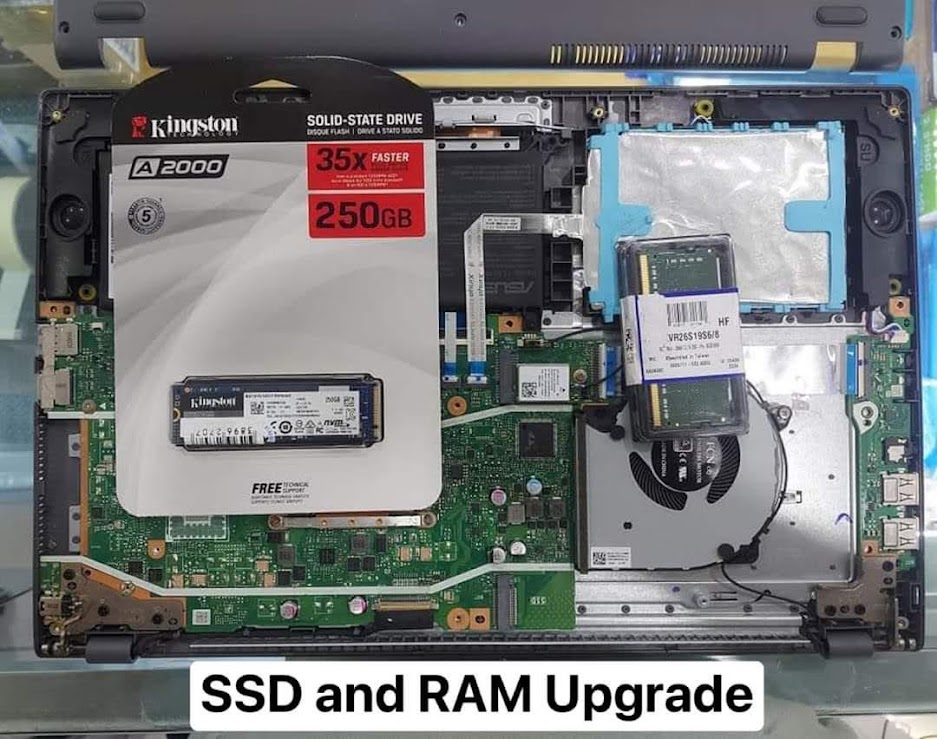
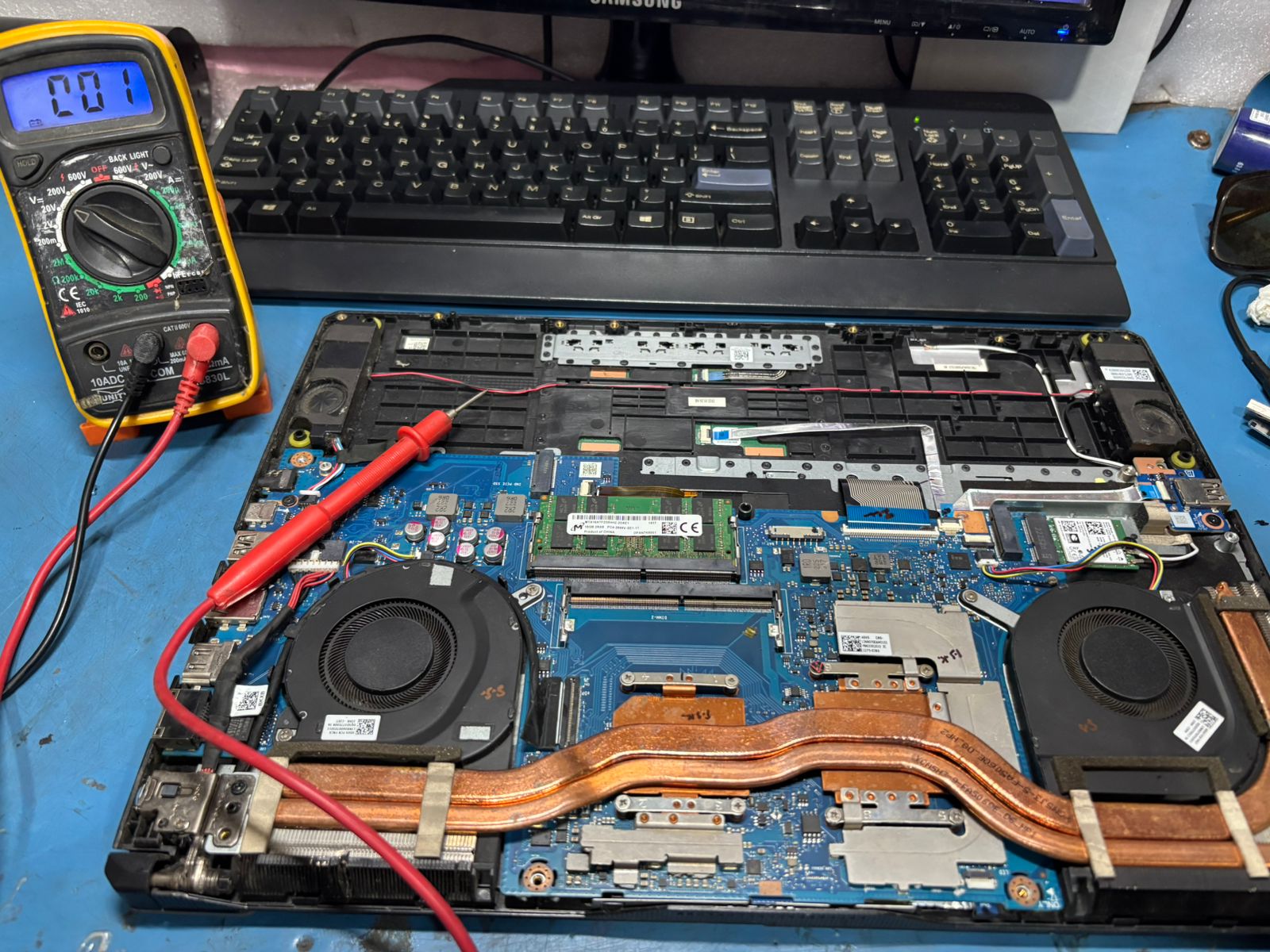
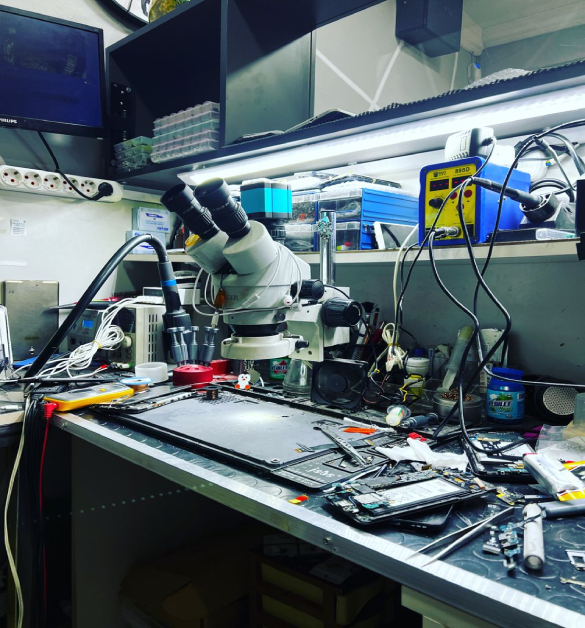
Welcome to Laptotech Solutions“Fast, Reliable & Affordable Laptop Repairs” With over 22 years of hands-on experience, Laptotech Solutions is your go-to destination for professional laptop repair and maintenance. We provide expert solutions for all major laptop brands, offering everything from screen replacements and chip-level motherboard repairs to software support and data recovery. Our certified technicians combine deep technical knowledge with a customer-first approach to deliver fast, transparent, and cost-effective service. Whether your device won’t power on or simply needs a performance boost, we’re here to help — quickly and affordably.
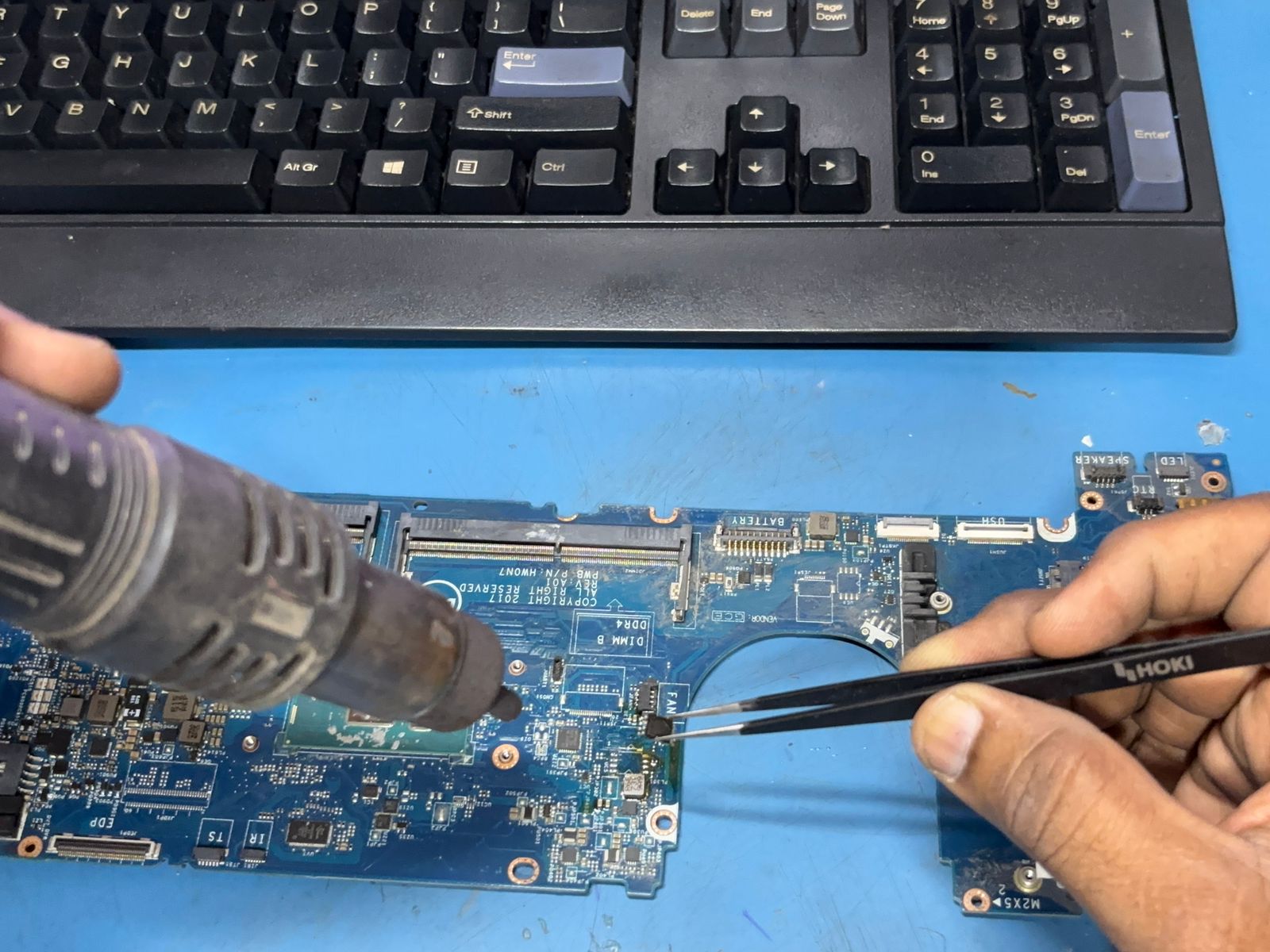
Get to Know Laptotech Solutions Founded over 15 years ago, Laptotech Solutions has grown into a trusted name in laptop servicing in our community. From modest beginnings, we've become known for our technical excellence, transparent pricing, and quick turnaround.
We’re powered by a team of skilled technicians who are trained in chip-level diagnostics, and we use only genuine spare parts to ensure the longevity of your device.
Easy and effective way to get your device repaired
Just relaxed when your device is need to be fixed and no panic
Send the device to us which you need to be fixed and stay relaxed
We will take care of it and work with it to fix it accurately
After a quick fix, we just return to it you fast and securely
Send your query using the form and we will get back to you.
We offer a variety of service plans tailored to meet your needs, whether you're seeking basic support or comprehensive solutions.
Passionate, skilled, and dedicated — our one-person team brings expert solutions with a personal touch. From tech repairs to customer support, everything is handled with care and professionalism.
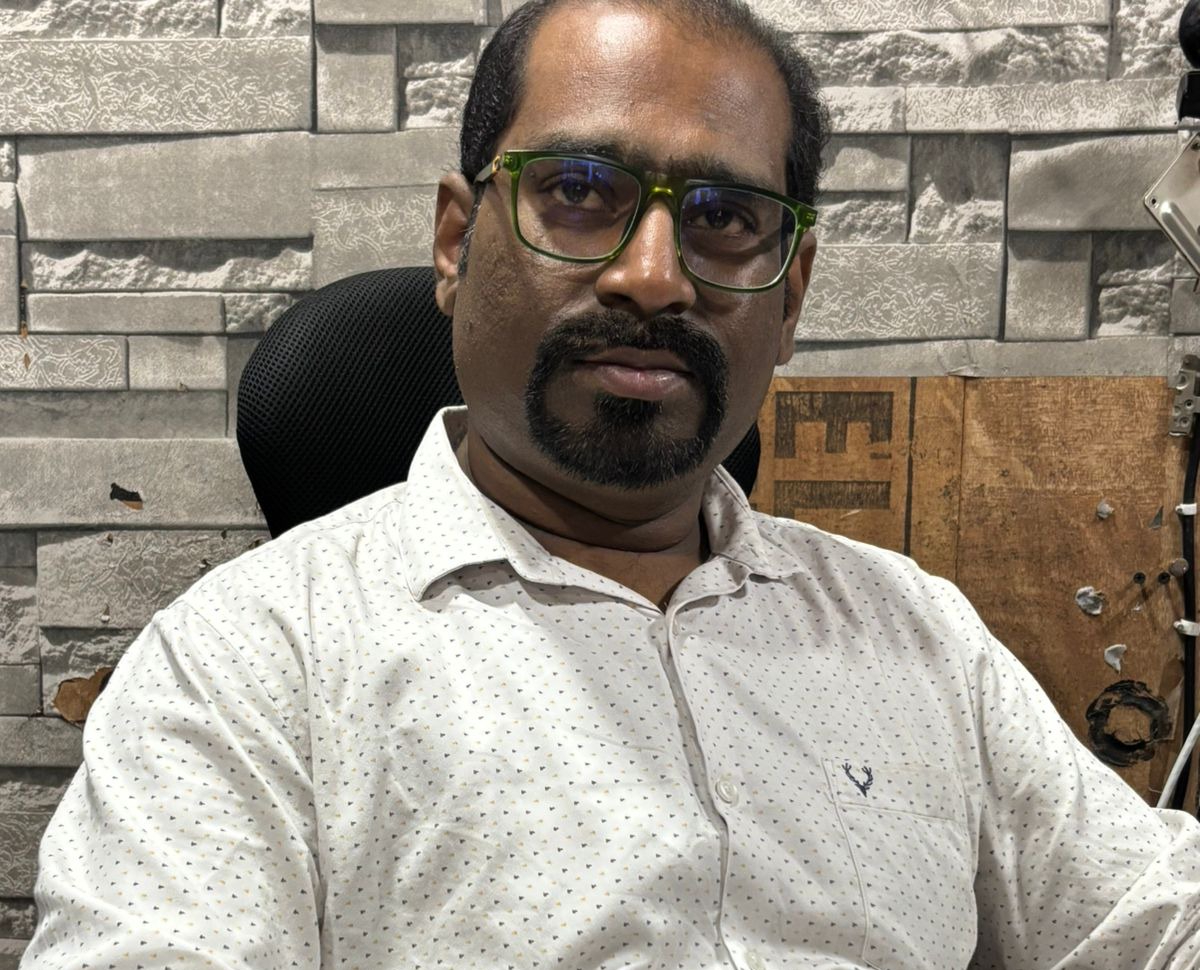
Lorem ipsum dolor sit amet, consectetur adipiscing elit curabitur eu ante non ex lobortis posuere volutpat nec orci morbi facilisis massa lectus volutpat posuere volutpat
They provide very excellent computer hardware and software repair services with outstanding service.
Absolutely! Your dedication to quality service is truly inspiring. Keep up the excellent work—your commitment makes a real difference!
Thank you, Sameer Sorte and the entire LaptoTech Solutions team, for your dedication and commitment to excellence. Your hard work and expertise make a real difference, and I truly appreciate the outstanding service you provide. Keep up the great work—your efforts inspire confidence and trust in every customer you serve. Wishing you continued success!
We proudly collaborate with a wide range of top-quality brands, ensuring that we provide genuine parts and reliable services for all your device repair needs.




At our computer repair shop, we are dedicated to providing quick, reliable, and affordable solutions for all your tech needs. Whether it's hardware issues, virus removal, or software troubleshooting, our expert technicians ensure your devices are back to optimal performance. Experience our commitment to excellence and customer satisfaction with every repair.
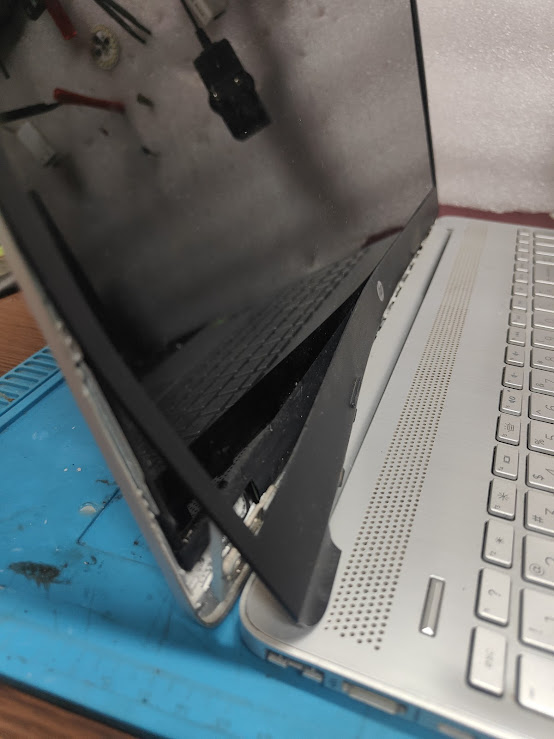
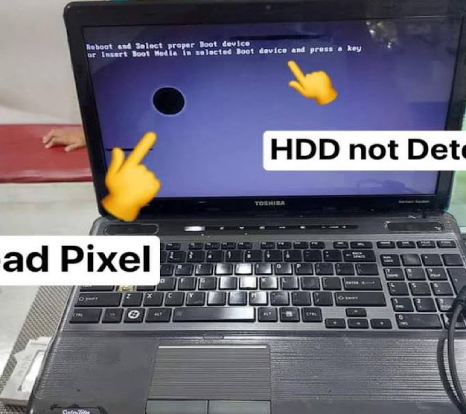
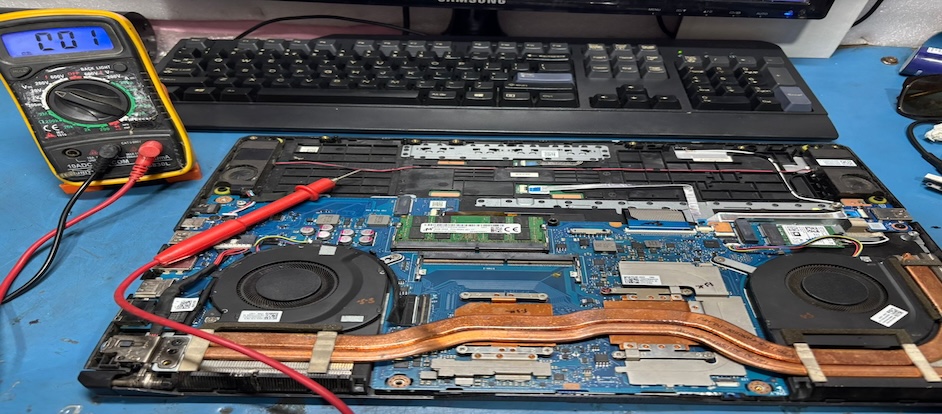
Your go-to resource for troubleshooting and fixing your laptop quickly and easily. Follow these simple steps to identify and resolve common issues, saving time and repair costs.
Won't turn on: Check power and charger, reset SMC (Shift + Control + Option + Power), or NVRAM/PRAM reset. Slow performance: Close unnecessary apps, update macOS, run Disk Utility to repair disk. Wi-Fi issues: Restart router, forget and reconnect network, update macOS. Display problems: Adjust brightness, reset SMC or NVRAM, connect external display to test. Boot issues: Boot into Safe Mode (hold Shift), use Recovery Mode (Cmd + R) for repairs. Battery problems: Reset SMC, check battery health via System Report. Fan or overheating: Clean vents, ensure proper airflow, reset SMC.
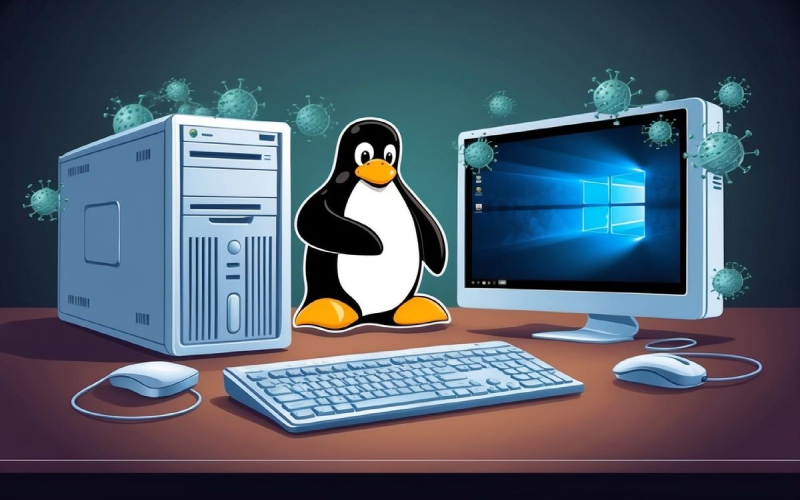
Won't turn on: Check power supply, monitor connections, reset hardware. Slow performance: Close unnecessary apps, update OS, scan for malware or viruses. Display issues: Check monitor cables, adjust resolution, update graphics drivers. No sound: Check volume settings, update audio drivers, reconnect speakers. Wi-Fi/network problems: Restart router, reconnect, update network drivers. Peripheral issues: Reinstall or update drivers for printers, mice, keyboards. Freezing/crashing: Check for malware, update software, scan hardware for errors. Regular updates and maintenance keep your computer running smoothly.
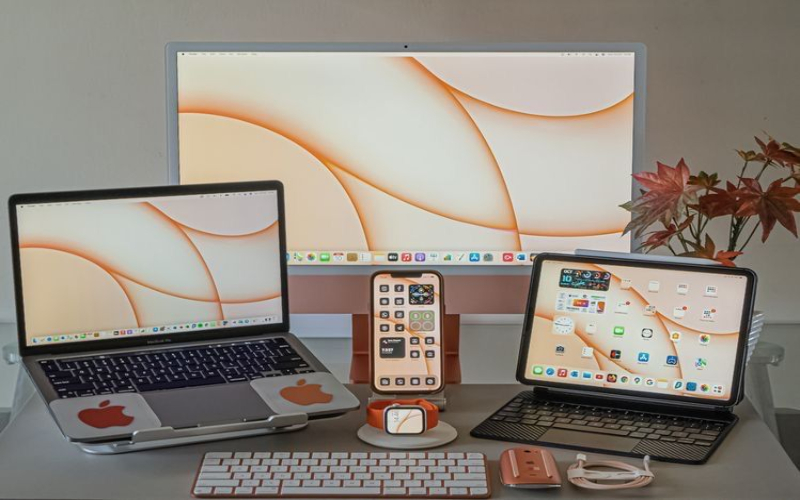
Won't turn on: Check power and charger, reset SMC (Shift + Control + Option + Power), or NVRAM/PRAM reset. Slow performance: Close unnecessary apps, update macOS, run Disk Utility to repair disk. Wi-Fi issues: Restart router, forget and reconnect network, update macOS. Display problems: Adjust brightness, reset SMC or NVRAM, connect external display to test. Boot issues: Boot into Safe Mode (hold Shift), use Recovery Mode (Cmd + R) for repairs. Battery problems: Reset SMC, check battery health via System Report. Fan or overheating: Clean vents, ensure proper airflow, reset SMC. Keep macOS updated and run regular maintenance for optimal performance.